

DATA BUS FUNDAMENTALS AND TESTING
EXPERIENCE THE POWER OF THE LATEST SOFTWARE.
EXPERIENCE THE POWER OF THE LATEST SOFTWARE.
Modern vehicles rely on increasingly complex networks of electronic systems to ensure performance, safety, and comfort. High-speed networks like CAN manage critical powertrain and safety functions, while low-speed networks such as LIN, J1850, and K-Line control body electronics and comfort systems.
Understanding their unique voltage differentials and communication protocols is essential for accurate diagnostics and reliable repairs.
LIN is a single-wire network responsible for features such as mirrors, seat motors, window regulators, and door locks, playing a vital role in body communications without requiring high bandwidth.
Correct module recognition and initialization are critical to ensure that new or serviced components communicate properly with the master ECU. Skipping these procedures can lead to misdiagnosis, system errors, or unnecessary component replacement.
The latest Snap-on® software adds greater capability for LIN networks, streamlining module initialization and making diagnostics faster, more reliable, and easier to perform. Techs can work with confidence, complete repairs more efficiently, and ensure systems communicate correctly the first time.
Keeping software up to date provides full access to these enhanced procedures, giving shops the tools they need to tackle modern vehicles quickly and reliably.
VEHICLE
NETWORKS:
NETWORKS:
- CAN (Controller Area Network): Manages high-speed communication for engine, transmission, ABS, and other core systems.
- LIN (Local Interconnect Network): Supports body electronics and comfort features on modern vehicles.
- J1850 and K-Line: Low-speed networks used primarily on vehicles produced before 2008 (J1850) or into the 2010s (K-Line) for body systems, comfort functions, and diagnostic access.
- All networks: Rely on voltage differentials to transmit data.
Understanding how and where these networks connect, and how data passes between modules, allows faults to be diagnosed efficiently without unnecessary part replacement.

All networks operate on a voltage differential—the difference between a high and low voltage level—which represents data signals. For example, on a LIN bus, the module operates on the high side at 13.35 V and pulls down to 0.91 V on the low side. The differential of these values, around 12.44 V, forms the basis for reliable communication.
WHY LIN INITIALIZATION
IS NECESSARY:
IS NECESSARY:
One critical aspect of LIN communication is module initialization, particularly when a component is replaced during service or repair. Initialization ensures that new parts are properly recognised and configured by the vehicle’s control system, acting as a discovery and pairing process similar to connecting a new Bluetooth® device.
During this process, the master ECU identifies each new slave node, assigns a valid address, and configures its communication parameters. LIN provides a cost-effective way to control localised functions—including mirrors, window and seat motors, steering wheel switches, central locking, rain and light sensors, rear-view cameras, and battery monitoring—through a single master ECU coordinating up to 15 slave nodes on a 20 Kbit/s, single-wire bus.
Proper initialization is essential for these nodes to communicate correctly, ensuring reliable operation and preventing misdiagnosis or system errors.
WHAT HAPPENS
DURING INITIALIZATION:
DURING INITIALIZATION:
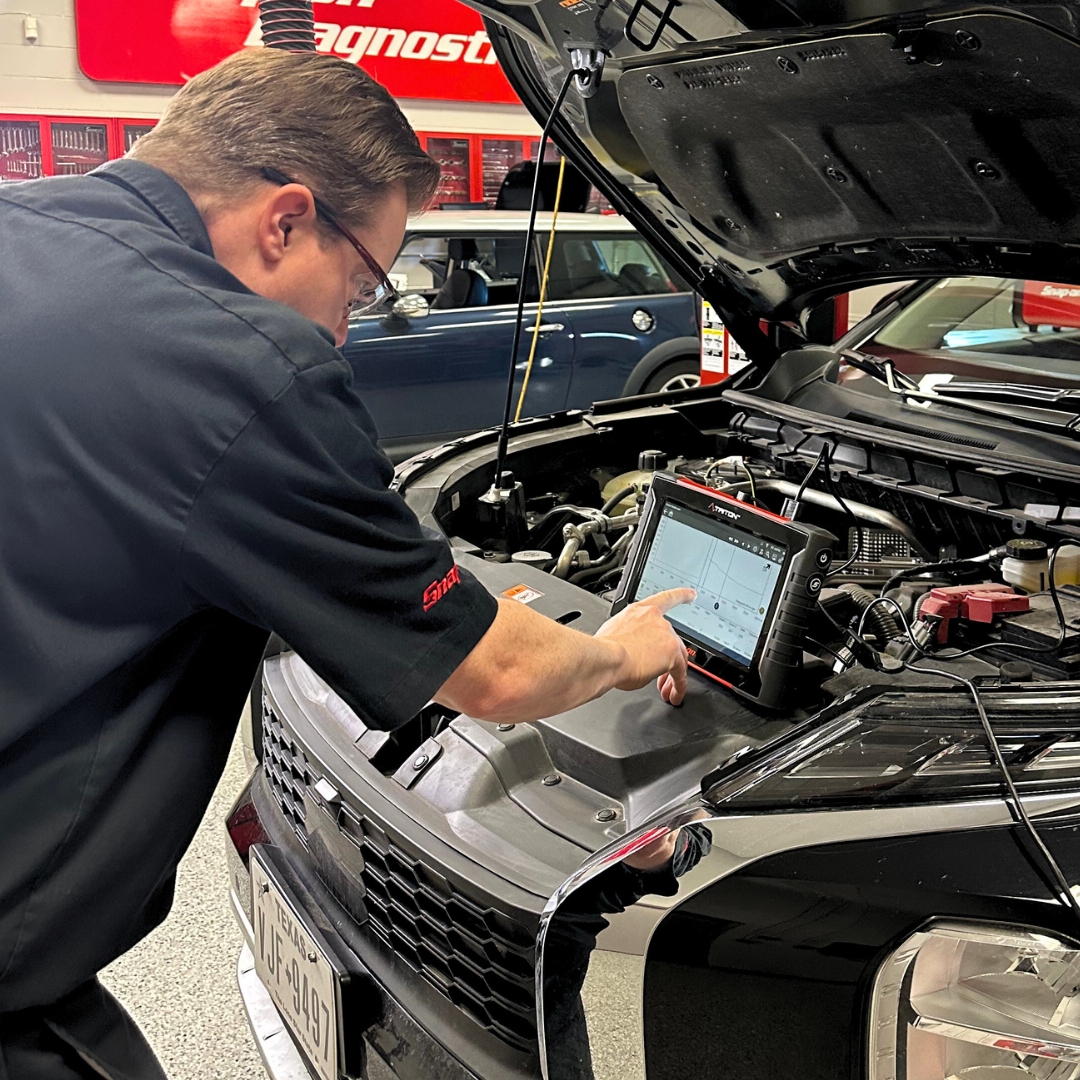
This process is often initiated using a diagnostic scan tool. The tool sends LIN-specific commands and monitors responses to ensure the newly installed component is properly integrated with the vehicle’s network. The process generally follows these key steps:
- Wake-Up and Synchronization: Activates and aligns all LIN nodes on the bus.
- Discovery: Queries connected devices to determine their type, function, and capabilities.
- Configuration: Assigns a new Node Address (NAD) and configures frame IDs for communication.
- Verification: Tests communications to confirm the module has been successfully paired.
- Schedule Update: Updates the internal message schedule to include any new frames, ensuring seamless integration with the network.
This structured approach ensures that each slave module is recognised correctly by the master ECU, enabling reliable communication and preventing faults or misdiagnosis.

DON'T SKIP LIN
MODULE INITIALIZATION:
MODULE INITIALIZATION:
When a module is replaced, the master node must discover and configure it. Without this step, the component will not communicate with other vehicle systems.
Problems that frequently occur when initialisation is missed include:
- Mirrors, windows or seats not responding
- Rain/light or occupancy sensors are inactive
- Rear-view camera not operating
- Battery monitoring issues
- “Lost Communication” or “No Response” fault codes
- U-series bus timeouts, such as U0215, U0231, U1109
- Intermittent faults that do not appear related to the repaired component
Completing initialisation ensures the master ECU assigns a valid Node Address, recognises the device and updates its internal schedule.

WHAT'S HOT FOR ADAS
IN THE LATEST SOFTWARE RELEASE.
IN THE LATEST SOFTWARE RELEASE.
NEW FORD® BRONCO
SPECIAL FUNCTIONS:
SPECIAL FUNCTIONS:
The latest Snap-on® software release adds LIN New Module Initialization for 2021+ Ford Bronco.
This new functionality enables:
- Automatic recognition of newly installed LIN modules
- Correct assignment of Node Addresses and frame IDs
- Schedule update and verification
- No manual setup required

Operational Steps:
- From the Vehicle Systems Menu, select Body Control Module under Body Controls
- Go to Functional Tests → Special Functions
- Choose LIN New Module Initialization
- Follow the on-screen instructions
The sequence configures all BCM LIN nodes, including:
- Rear-view camera
- Intrusion sensor
- Rain sensor
- Battery monitoring system
The procedure completes in seconds and prevents unnecessary rework or return visits.

SECURE GATEWAY ACCESS
Vehicle manufacturers are actively protecting their vehicles from unauthorized access and cyber threats, by securing vital systems behind gateways.
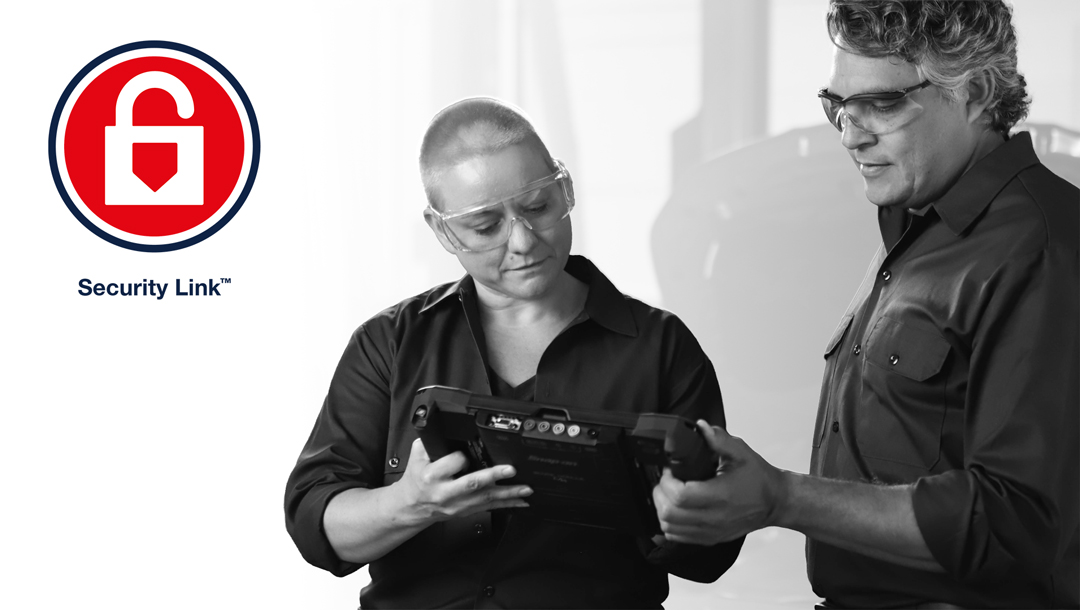
We have partnered with manufacturers to bring you access to OEM secured modules through Snap-on® Security Link™.
Snap-on® Security Link™ streamlines the process between you, the scan tool, and the manufacturer, allowing you to perform OEM secured functions with ease.
Keeping your software current ensures continued access to these secured vehicles.
Need help setting this up? Click the link below
SEAMLESS INTEGRATION
Our tools connect with these manufacturers' secure vehicle gateways - at no additional cost!
1Chrysler,® 1Dodge,® 1Jeep,® 1RAM,® Volkswagen,® Audi,® 1Mercedes-Benz,® 1Nissan,® Volvo,® Ford,® Hyundai,® Kia.®
1 AutoAuth account and subscription required by the Manufacturer
TAKE A DEEPER DIVE
INTO DATA BUS FUNDAMENTALS & TESTING.
INTO DATA BUS FUNDAMENTALS & TESTING.
Modern vehicles rely on several data networks to allow electronic systems to communicate reliably. High-speed CAN carries critical information for engine, transmission and safety functions, while low-speed systems such as LIN, J1850 and K-Line manage body electronics, comfort features and diagnostic access.
Understanding how each network operates and how signals appear on a scope or through a breakout box helps technicians pinpoint faults quickly.
Building on this, the following technical focus examines data bus fundamentals and testing, showing how these networks function and how technicians can systematically identify and resolve communication faults.
SCHOOL
IN THE TOOL.
IN THE TOOL.
Did you know Fast-Track® Guided Component Tests come with built-in training classes? This exclusive feature transforms your diagnostic platform into an on-demand learning hub.
Navigate to the Top Level Menus to access a dedicated library of practical “how-to” classes covering real-world topics, including:
- 5 min - Data Link Connector Class
- 10 min - LIN Bus Class
- 20 min - CAN Bus Class
…and many more!
Exclusively available on MODIS®, TRITON™, ZEUS® & Vantage® platforms with current software.

DATA BUS TESTING & DIAGNOSTICS
TRAINING CONTENT.
TRAINING CONTENT.
Expand your diagnostic expertise and explore in-depth content on data bus testing and diagnosis with Jason Gabrenas.
For a wider range of training topics, visit our YouTube Channel. Access our full suite of Live Training classes, covering everything from Intro to ADAS, Guided Component Testing, Data Bus Testing, and Code-Based Diagnostics, to Security Link™, Fast-Track® Intelligent Diagnostics, Functional Tests, and much more.

DISCOVER THE
POWER INSIDE
YOUR DIAGNOSTIC PLATFORM.
POWER INSIDE
YOUR DIAGNOSTIC PLATFORM.
To cut through the complexity, Patented Fast-Track® Troubleshooting workflow and filtered information bring focus to the specific vehicle and code you’re working on, including:
- SureTrack® Top Repairs Graph
- Real Fixes
- Technical Bulletins
- Smart Data
- Functional Tests and Resets
- Complete Code Scan
- Guided Component Tests
- Service Resets and Relearns
ONLINE VEHICLE
COVERAGE GUIDE.
COVERAGE GUIDE.

Coverage for 50 manufacturers and expanding with every upgrade
The latest software release gives your diagnostic tool new model year updates, guided tests, and thousands of SureTrack® Real Fixes and PID Flags.
Continuously updated cloud resources provide proven repairs, verified parts, and the industry’s broadest coverage.
With manufacturer-level capabilities, consistent navigation, and fast access to key specifications, Snap-on® keeps you ready to tackle even the toughest jobs.

Need to Upgrade?
Purchase A Software Plan
Keep your tool performing at its best. Software options help you diagnose problems faster and tackle even the toughest repairs with confidence. Click below for more information or contact your Snap-on® Franchisee for the latest software deals.
Already a Subscriber?
Download the Latest Software
If you are a software subscriber, purchased a prepaid plan or participated in a free software offer, you can perform your own software installation by downloading the latest software release through the ShopStream® Self-Service application, quickly and easily.

©2025 Snap-on Incorporated. All rights reserved.