
THE SCR EDGE: EXPERIENCE THE POWER OF THE LATEST SOFTWARE.
Selective Catalytic Reduction (SCR) systems are vital for reducing emissions in modern diesel vehicles, but when faults occur, they can quickly lead to performance issues, warning lights, or even a no-start condition. Understanding how these systems operate — and having the right diagnostic support — is key to resolving issues accurately and efficiently.
With the latest Snap-on® Diagnostic Software update, technicians now have access to enhanced SCR special functions for complete coverage on the latest diesel models. From component calibration to system bleeding and teach-in processes, these functions streamline diagnosis and repair, helping you maintain performance and compliance with confidence.
Find out more below, including:
- Why SCR issues occur – from AdBlue® contamination to EGR faults and common DTCs
- Mercedes SCR special functions – new additions in the latest software update
- Built-in learning with Fast-Track® Guided Component Tests on-tool classes covering SCR, NOx and emissions systems
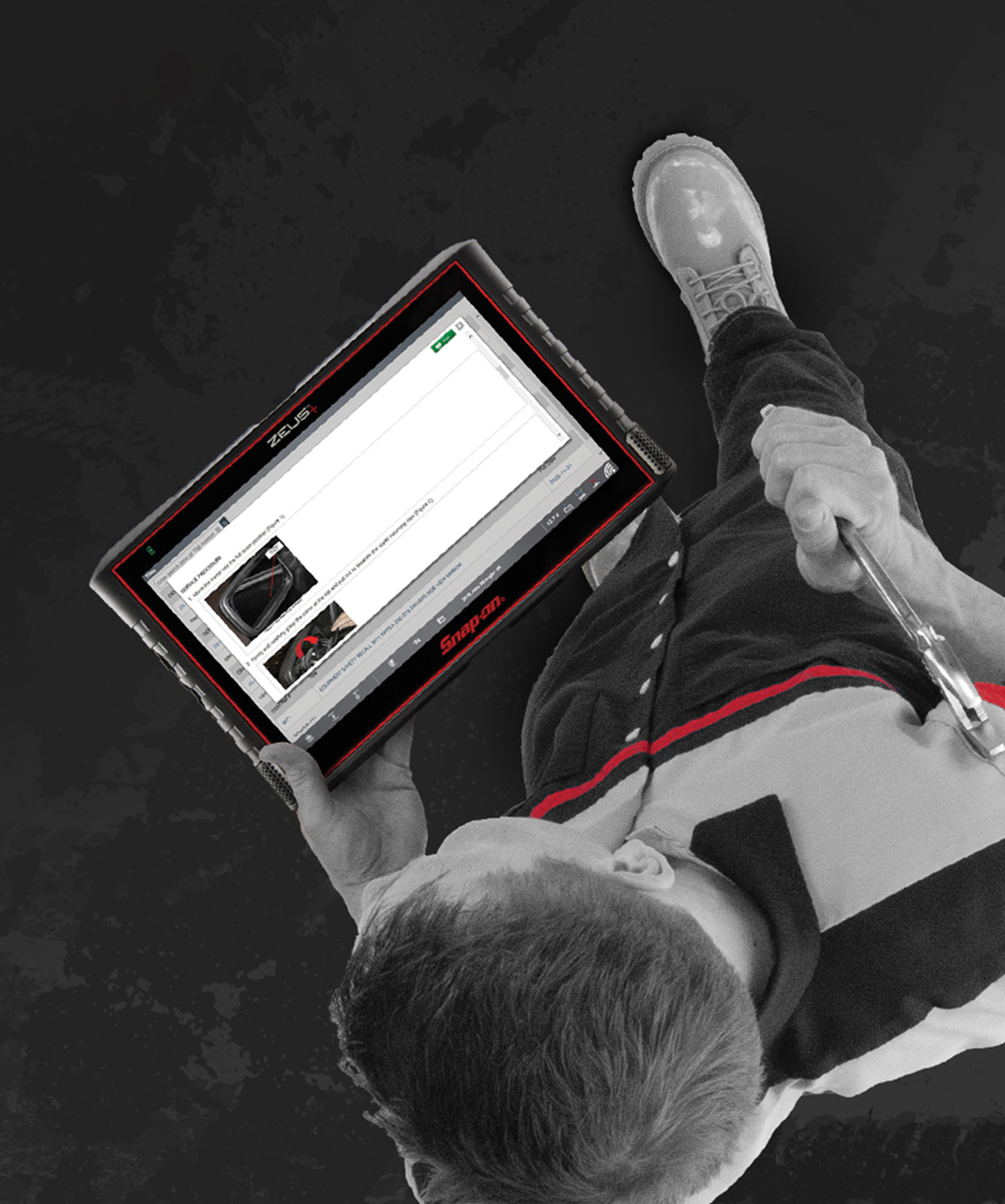
WHY SCR ISSUES
COULD OCCUR.
COULD OCCUR.
- Leaks in pipework (visual leak test available in special functions)
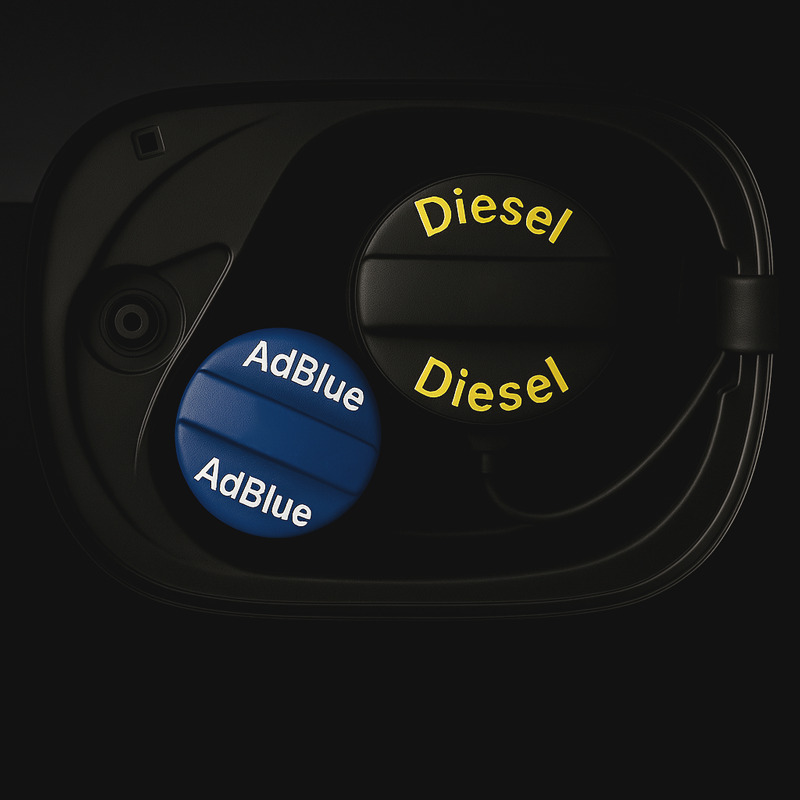
- Poor quality AdBlue®
- EGR circuit failure
- Ignored AdBlue tank refill warnings (vehicle will not start if the tank is empty)
- High mileage causing excessive oil consumption
Common DTCs include:
- P20EE – NOx Catalytic System Efficiency below threshold
- P20E6 or P20E8 – Reductant injection pressure too low
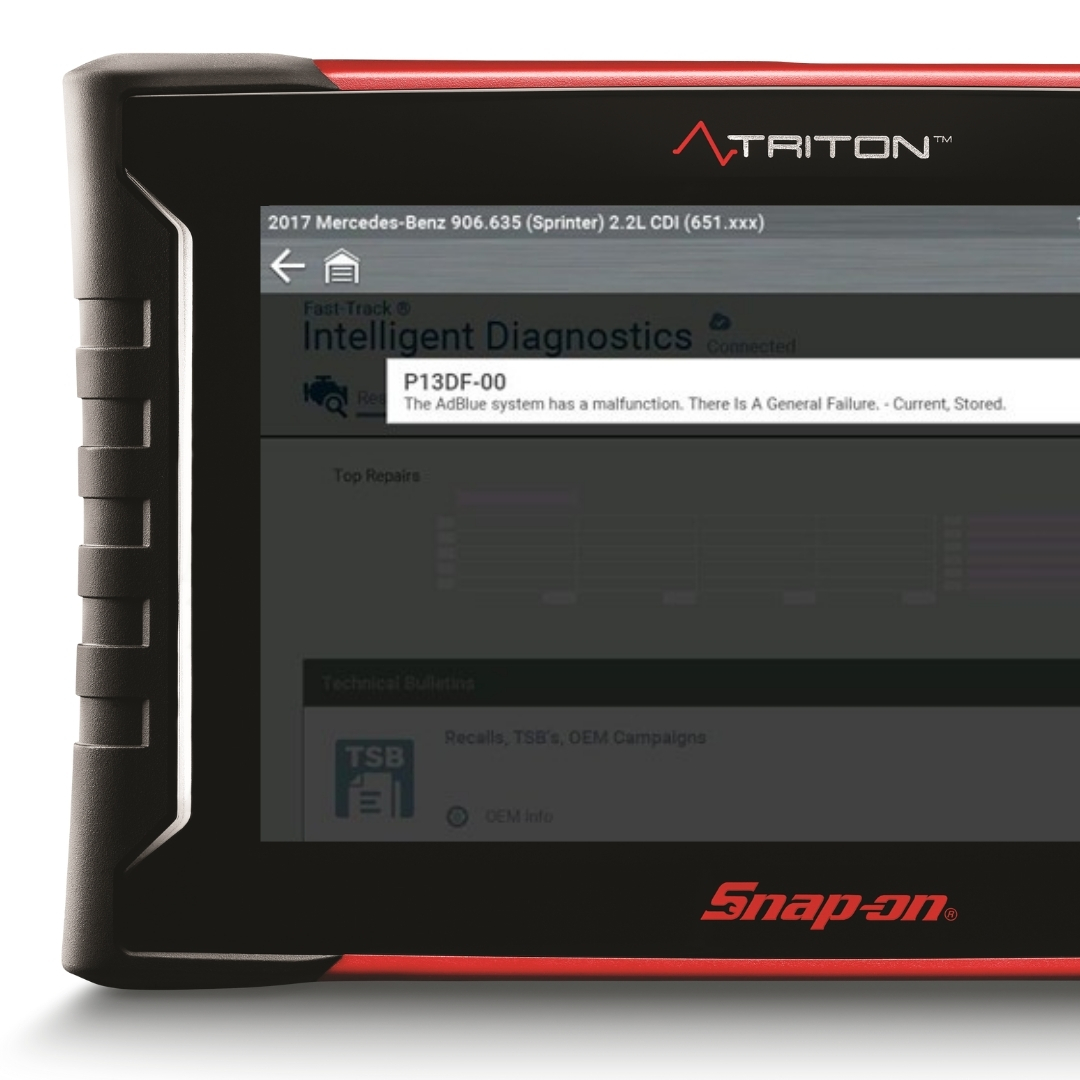
- P13DF-00 - The AdBlue® System has a malfunction. There is a general failure - Current, Stored
WHAT'S HOT IN THE LATEST
SOFTWARE RELEASE.
SOFTWARE RELEASE.
MERCEDES®
SCR SPECIAL FUNCTIONS.
SCR SPECIAL FUNCTIONS.
The latest software update brings new SCR special functions, giving you complete coverage for Mercedes diesel models (2017 onwards) equipped with AdBlue®. These functions make servicing and calibrating SCR systems faster, more accurate, and fully supported.
Newly Added SCR Special Functions:
- Teach-In Process
- Calibration Of Component (Adblue Fill Level Sensor)
- Resetting The Calculated Fill Level Of AdBlue Tank
- Resetting Of Learned Values Of Component Adblue Tank
- Adblue Pressure Line Heating Element
- Adblue Tank Heating Element
- Evacuation of the Pressure Line of the System
- Bleeding Of the System
Supported Models:
- C-Class (206) – 2020–2025
- E-Class (214) – 2024–2025
- S-Class (223) – 2021–2025
- GLC-Class (254) – 2023–2025
With these additions, you can be confident in full SCR system coverage, ensuring accurate diagnostics, maintenance, and repairs on the latest Mercedes diesel vehicles.

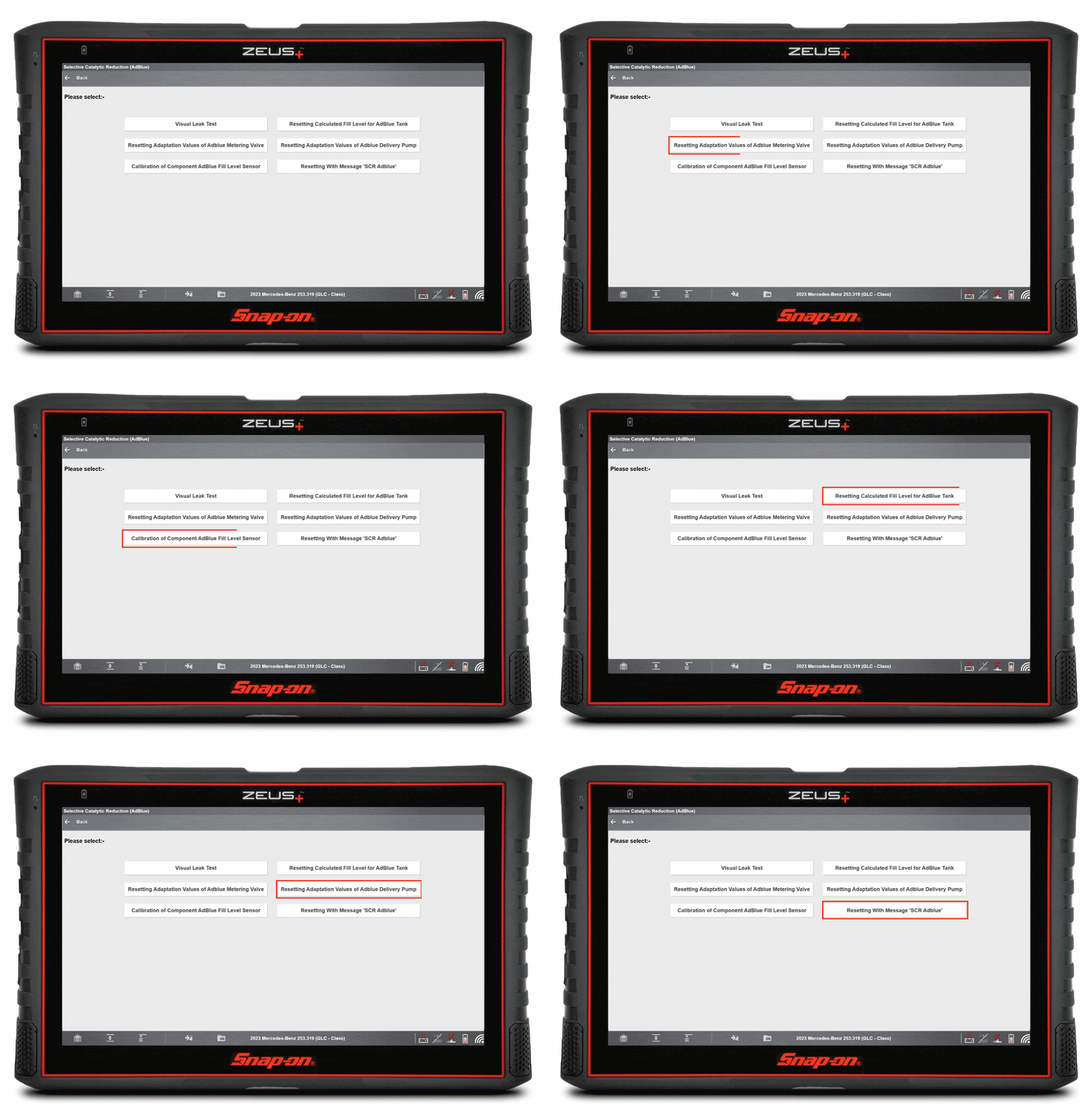
From the System Menu:
- Select Selective Catalytic Reduction (AdBlue®) located under the "Engine Related Systems and Controls (Diesel) sub heading
- Select Functional Tests
- Select Special Functions
Choose from the following Special Functions:
- Visual Leak Test
- Resetting Adaptation Values of AdBlue® Metering Valve
- Calibration of Component AdBlue® Fill Level Sensor
- Resetting Calculated Fill Level of AdBlue® Tank
- Resetting Adaptation Values of AdBlue® Delivery Pump
- Resetting with Message 'SCR AdBlue®'
MASTER SCR DIAGNOSIS
AND REPAIR
WITH CONFIDENCE.
AND REPAIR
WITH CONFIDENCE.
Selective Catalytic Reduction (SCR) systems are essential for modern Mercedes diesel vehicles to meet strict emission standards, and knowing how they operate is crucial for accurate diagnosis and repair. When AdBlue® dosing or sensor calibration fails, it can cause warning lights, system faults, or even a no-start condition.
In this Technical Focus Article, we explore SCR system diagnostics with Snap-on® Diagnostic Software:
- Understand SCR system design and operation
- Recognise the most common SCR issues and DTCs
- Apply a guided diagnostic workflow with your Snap-on® diagnostic tool
- See a real-world SCR repair case study
SCHOOL
IN THE TOOL.
IN THE TOOL.
Did you know Fast-Track® Guided Component Tests come with built-in training classes? This exclusive feature transforms your diagnostic platform into an on-demand learning hub.
Navigate to the Top Level Menus to access a dedicated library of practical “how-to” classes covering real-world topics, including:
- 15 min – Selective Catalytic Reduction Class
- 15 min – NOx Emissions Class
- 15 min – NOx Accumulator Class
…and many more!
Exclusively available on MODIS®, TRITON™, ZEUS® & Vantage® platforms with current software.
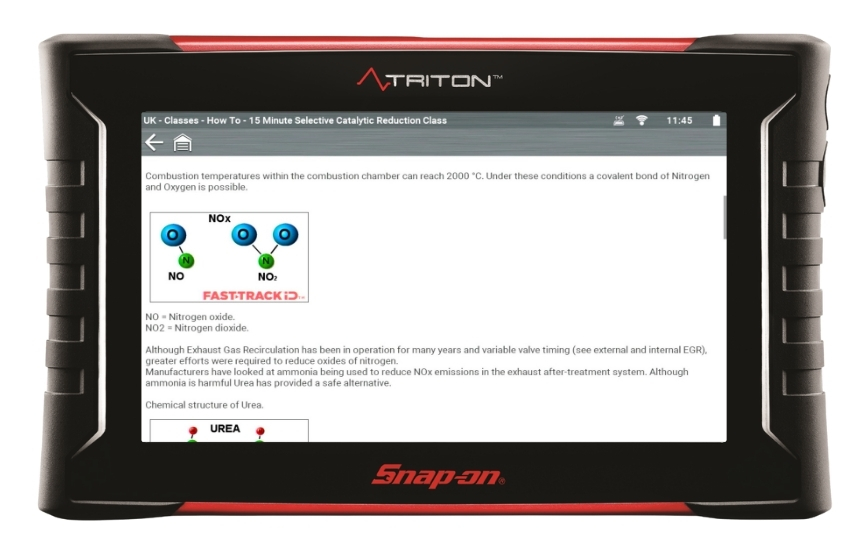

Discover the Power Inside Your Diagnostic Platform
To cut through the complexity, Patented Fast-Track® Troubleshooting workflow and filtered information bring focus to the specific vehicle and code you’re working on, including:
- SureTrack® Top Repairs Graph
- Real Fixes
- Technical Bulletins
- Smart Data
- Functional Tests and Resets
- Complete Code Scan
- Guided Component Tests
- Service Resets and Relearns
ONLINE
VEHICLE
COVERAGE
GUIDE.
VEHICLE
COVERAGE
GUIDE.
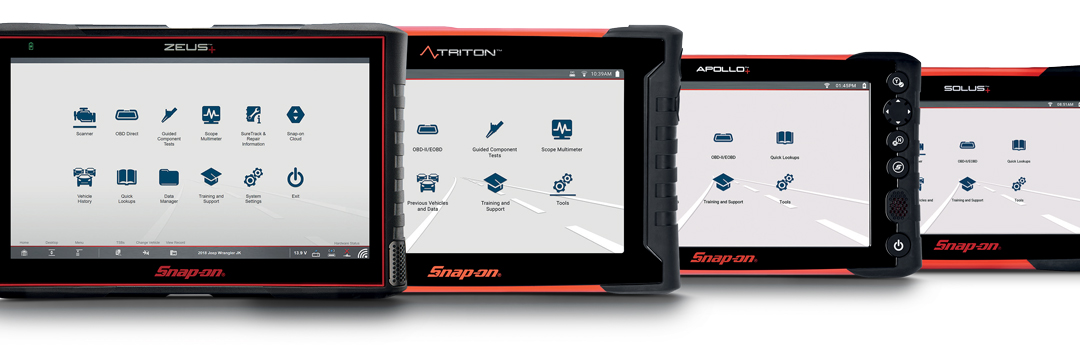
Coverage is expanding with every upgrade
The latest software release gives your diagnostic tool new model year updates, guided tests, and thousands of SureTrack® Real Fixes and PID Flags.
Continuously updated cloud resources provide proven repairs, verified parts, and the industry’s broadest coverage.
With manufacturer-level capabilities, consistent navigation, and fast access to key specifications, Snap-on® keeps you ready to tackle even the toughest jobs.

Need to Upgrade?
Purchase A Software Plan
Keep your tool performing at its best. Software options help you diagnose problems faster and tackle even the toughest repairs with confidence. Click below for more information or contact your Snap-on® Franchisee for the latest software deals.
Already a Subscriber?
Download the Latest Software
If you are a software subscriber, purchased a prepaid plan or participated in a free software offer, you can perform your own software installation by downloading the latest software release through the ShopStream® Self-Service application, quickly and easily.

©2025 Snap-on Incorporated. All rights reserved.